 NetOps Observer
The proxy that cannot reach its healthy backend
A reverse proxy returns HTTP 502 even though its backend answers directly. Trace the upstream connection over an isolated Docker network.
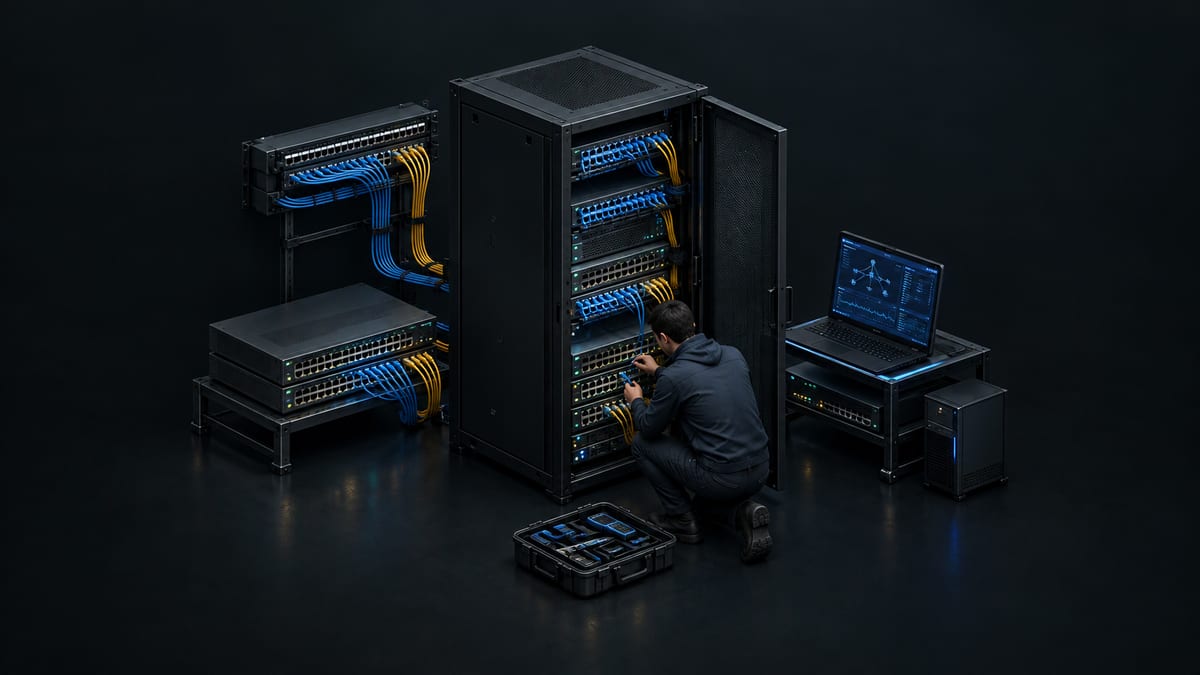
The scenario
A client can reach a reverse proxy and the backend separately, but requests through the proxy fail. Investigate the proxy's upstream configuration and restore the route without exposing host ports or changing the backend.
Mission objectives
- Compare the proxy response with a direct request to the backend.
- Inspect the proxy error log and upstream configuration.
- Restore proxy-to-backend connectivity and verify the response from a separate client.
Lab README
The proxy that cannot reach its healthy backend
A client reaches the reverse proxy but gets HTTP 502. The backend responds directly on the same isolated network. Find the broken upstream connection and restore traffic without changing the backend or publishing a host port.
Before you begin
Use a disposable machine with Bash, Python 3, Docker and Docker Compose.
The lab creates the Compose project breakfix-netops-03 and an internal
Docker network. It does not publish ports or create cloud resources. Docker
may download the nginx and Python images. Do not reuse the project name;
setup refuses pre-existing project resources and teardown checks ownership.
Investigate
./setup.sh
docker compose -p breakfix-netops-03 ps
docker compose -p breakfix-netops-03 exec client python /lab/probe.py backend
docker compose -p breakfix-netops-03 exec client python /lab/probe.py proxy
docker compose -p breakfix-netops-03 logs proxy
docker compose -p breakfix-netops-03 exec backend nginx -T
Inspect proxy.conf and preserve the proxy and backend. After changing it,
recreate the proxy to pick up the edited bind-mounted file, including when
your editor replaces the file:
docker compose -p breakfix-netops-03 up -d --force-recreate proxy
docker compose -p breakfix-netops-03 exec proxy nginx -t
Run ./verify.sh and ./teardown.sh when finished. Teardown removes the
lab's containers and network but does not reset edited files; re-extract the
bundle to start again.
The related Docker networking guide and demo show network inspection and a direct container request. The demo does not reproduce this reverse-proxy failure.
Get the lab
Download and inspect the installer before running it. It checks the archive's SHA-256 digest and refuses to overwrite an existing lab directory.
curl -fsSLO https://devops.download/labs/netops-03-bad-proxy-upstream.sh less netops-03-bad-proxy-upstream.sh
bash netops-03-bad-proxy-upstream.sh
cd labs/netops-03-bad-proxy-upstream
./setup.shWhen you've made your changes, run ./verify.sh. Remove lab resources with ./teardown.sh.
Need a nudge?
Hint #1
A 502 from the proxy means the client reached the proxy; compare a direct backend request with the proxy error log.
Hint #2
Compare the upstream address and port in proxy.conf with the backend's listener. Recreate the proxy to pick up the edited bind-mounted file.
Hint #3 · Related guide on opsbreakfix.com
Solved it?
Explore the related guide on opsbreakfix.com.
Continue to opsbreakfix.com ↗